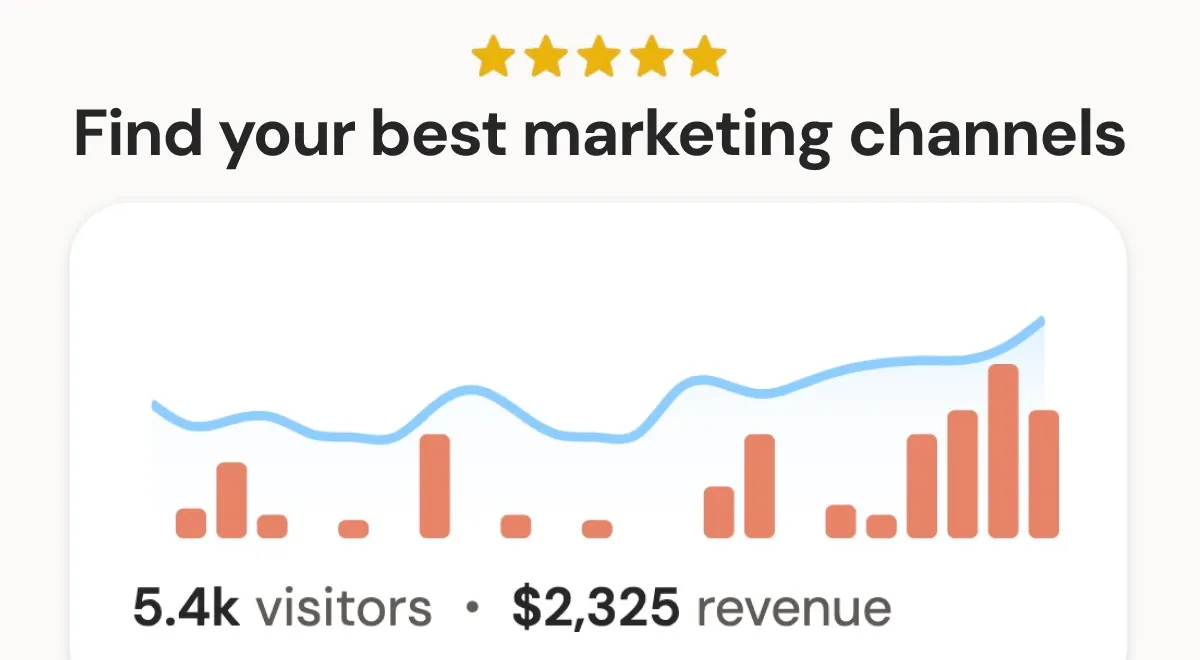
DataFast is a web analytics platform designed specifically for entrepreneurs and founders who want to understand which marketing channels actually drive revenue. Unlike traditional analytics tools that focus on pageviews and bounce rates, DataFast connects directly to payment processors like Stripe, LemonSqueezy, and Polar to attribute revenue to specific traffic sources. This allows users to see not just how many visitors they get, but which channels bring in paying customers and how much revenue each channel generates.
The problem DataFast solves is the disconnect between traffic data and business outcomes. Most analytics tools provide a wealth of data but fail to answer the fundamental question: "Where is my money coming from?" DataFast addresses this by focusing on revenue attribution, making it particularly valuable for SaaS founders, e-commerce store owners, and content creators who need to allocate marketing budgets effectively.
Positioned as a simpler, more actionable alternative to Google Analytics, DataFast targets users who find traditional analytics overwhelming and want a tool that provides clear, revenue-focused insights. It also competes with tools like Plausible and Fathom, but differentiates itself with its deep revenue attribution capabilities and AI-powered features.
With over 20,000 users and a 14-day free trial, DataFast has gained traction in the indie hacker and startup community. Its creator, Marc Lou, is a well-known maker who has built multiple successful products, and DataFast is his flagship analytics tool. The platform offers a range of features including web analytics, revenue attribution, goal tracking, funnels, live visitor intelligence, and integrations with popular platforms like WordPress, Shopify, and Next.js.
Key Features
Revenue Attribution: DataFast's core feature is its ability to connect to payment processors and attribute revenue to specific marketing channels. By linking Stripe, LemonSqueezy, Polar, or Shopify, users can see which channels (e.g., organic search, social media, paid ads) generate actual paying customers. This goes beyond simple click attribution by tracking the entire customer journey from first click to purchase, providing insights into which touchpoints are most valuable.
Automated SEO platform that generates and publishes optimized content and builds backlinks to grow organic traffic on autopilot.
SEO+4
Automated SEO platform that generates and publishes optimized content and builds backlinks to grow organic traffic on autopilot.
Web Analytics: DataFast provides standard web analytics metrics like pageviews, unique visitors, and bounce rate, but presents them in a simplified, revenue-focused dashboard. The tool emphasizes actionable metrics like Revenue per Visitor, which helps users understand the monetary value of their traffic. It also includes features like AI bot traffic detection, which filters out non-human traffic to ensure accurate data.
Goals, Funnels, and Journeys: Users can set custom goals (e.g., signups, downloads) and create funnels to visualize the steps visitors take before converting. The platform also offers journey tracking, showing the full path a visitor takes from their first interaction to becoming a customer. This helps identify bottlenecks in the conversion process and understand which content or pages drive the most valuable actions.
Live Visitor Intelligence: DataFast provides real-time visitor tracking, allowing users to see who is on their site at any given moment. The tool identifies visitors who are likely to buy based on their behavior and provides an API to act on this information instantly. This feature is described as "addictive" and is useful for sales teams or founders who want to engage with high-intent visitors in real time.
AI Agent Integration: DataFast has built-in support for AI agents through MCP (Model Context Protocol), CLI, and API. Users can connect tools like Cursor, Claude Code, or Codex to query analytics in plain English. For example, an AI agent can answer questions like "Who visited the blog today and became customers?" and provide detailed breakdowns by country and device. This makes data analysis accessible to non-technical users and streamlines workflows.
Integrations: DataFast offers a wide range of integrations for both code and no-code platforms. For developers, it provides npm packages and guides for Next.js, React, Vue, Django, Laravel, and more. For non-technical users, it has plugins for WordPress, Shopify, Webflow, Framer, Bubble, Wix, Squarespace, and Google Tag Manager. This ensures that almost any website can easily install DataFast.
Privacy and GDPR Compliance: DataFast is GDPR compliant and offers both cookie-based and cookieless tracking scripts. The default script uses cookies for accurate visitor identification, while the cookieless option is designed to minimize privacy concerns. This flexibility allows users to choose the level of tracking that suits their legal requirements and audience expectations.
How It Works
Getting started with DataFast is straightforward. The onboarding process begins with entering a website URL on the homepage, which leads to a sign-up page. After creating an account, users are guided through installing the tracking script. For most platforms, this involves adding a snippet of code or installing a plugin. The process is designed to take under a minute, with detailed documentation available for each integration.
Once the script is installed, the next step is connecting revenue data. Users link their payment processor (Stripe, LemonSqueezy, Polar, or Shopify) to enable revenue attribution. This is done through the dashboard's settings, where users can authorize the connection securely. After connecting, DataFast automatically starts attributing revenue to traffic sources.
The dashboard presents a clean, intuitive interface with key metrics displayed prominently. Users can view overall revenue, top channels, and conversion rates at a glance. The platform also offers a demo dashboard that users can explore to understand the features before committing.
Daily use involves checking the dashboard to see which channels are performing, setting up goals and funnels to track specific actions, and using the live visitor feature to monitor real-time activity. For advanced users, the API and CLI allow for custom queries and automation. The AI agent integration enables natural language queries, making it easy to get answers without navigating complex reports.
The learning curve is minimal, especially for users familiar with basic analytics concepts. DataFast's focus on revenue rather than vanity metrics means users can quickly identify actionable insights. The platform also provides a changelog and documentation to help users stay updated on new features.
Use Cases
Solo SaaS Founder: A solo founder launching a B2B SaaS can use DataFast to determine which marketing channels (e.g., Twitter, SEO, paid ads) are driving free trial signups and paid conversions. By connecting Stripe, they can see the revenue per channel and allocate their limited marketing budget to the most effective channels, avoiding wasted spend.
E-commerce Store Owner: An e-commerce entrepreneur using Shopify can leverage DataFast to track which social media posts or influencer campaigns lead to actual purchases. The revenue attribution feature helps them understand the ROI of their marketing efforts and optimize their product pages based on visitor behavior.
Content Creator with a Newsletter: A blogger or YouTuber who monetizes through a paid newsletter can use DataFast to see which content pieces drive the most paid subscriptions. By setting up goals for newsletter signups and connecting their payment processor, they can identify the topics and channels that generate the highest revenue.
Marketing Team at a Startup: A small marketing team at a startup can use DataFast to track the performance of multiple campaigns across different channels. The team can set up funnels to see where users drop off and use the live visitor intelligence to engage with high-intent visitors in real time, improving conversion rates.
Agency Managing Client Accounts: A digital agency managing multiple client websites can use DataFast's multi-website support (up to 30 on the Growth plan) to provide detailed revenue attribution reports to each client. This helps the agency demonstrate the value of their marketing efforts and make data-driven recommendations for improvement.
Pricing & Value
DataFast offers two main pricing tiers: Starter and Growth. The Starter plan costs $9 per month and includes up to 10,000 monthly events, 1 website, 1 team member, and 3 years of data retention. It also includes AI bot traffic detection, API/CLI/MCP access, and social media mentions. The Growth plan costs $19 per month and includes up to 10,000 monthly events (scalable to 10M+), 30 websites, 30 team members, and 5+ years of data retention. It adds features like social media mentions and X (Twitter) link attribution.
Both plans offer a 14-day free trial with no credit card required. There is no free tier, but the trial period is generous enough to evaluate the product. Compared to alternatives like Google Analytics (free but complex) or Plausible (starting at $9/month), DataFast's pricing is competitive, especially considering the revenue attribution capabilities. The Growth plan at $19/month is particularly attractive for businesses with multiple websites or teams.
DataFast also offers an affiliate program with a 50% commission for up to 12 months, which can be a lucrative opportunity for influencers and marketers. Overall, the pricing is reasonable for the value provided, especially for startups and small businesses that need actionable revenue insights without breaking the bank.
Final Verdict
DataFast is a powerful analytics tool that successfully bridges the gap between web traffic and revenue. Its focus on revenue attribution sets it apart from traditional analytics platforms, making it an invaluable asset for entrepreneurs and marketers who want to make data-driven decisions. The platform is easy to set up, offers a clean and intuitive dashboard, and provides advanced features like AI agent integration that are ahead of the curve.
However, it may not be suitable for large enterprises with complex analytics needs, as it lacks some of the advanced segmentation and custom reporting features found in tools like Google Analytics 360 or Adobe Analytics. Additionally, the lack of a free tier might be a barrier for very early-stage startups with minimal budgets.
Overall, DataFast is highly recommended for solo founders, small to medium-sized businesses, and anyone who wants to understand which marketing channels are actually generating revenue. Its combination of simplicity, revenue focus, and innovative AI features makes it a standout choice in the analytics space. For those looking to grow their business by optimizing marketing spend, DataFast is definitely worth trying.